AI Pro reference match, in your browser
Reference Mastering: Match a Song You Love in 8 Bands
Reference mastering on AI-Mastering.org turns your mix and a reference song into a master that moves toward its sound, in your browser: each of 8 bands goes 75% of the way, up to 4 dB, and loudness follows the reference within your platform's range. AI Pro: preview free, 1 credit to download.
- 8-band tone match, 75% of the gap
- Loudness toward the reference
- Free preview, no sign-in
- Both songs stay in your browser

- Add a track · 1/4
- Check
- Master
- Compare & download
Start with your reference songPro
Pick a released song whose sound you want. AI Pro Master moves your track's tone in 8 bands 75% of the way toward it, up to 4 dB per band, and aims its loudness at the reference within your platform's limits.
Read in your browser like your track: never uploaded.
Or try a sample reference (our own free masters):
Then add the track to master
Drop your mix to master it
Get a loudness check, a target for your platform and a master you can compare before you download.
- WAV
- MP3
- FLAC
- M4A
- AAC
- OGG
- OPUS
- AIFF
Up to 200 MB and 15 minutes
Your song stays in your browser. The audio is never uploaded.
Or try a sample
Sample mixes are AI-generated songs, turned down to leave room for mastering.
- of tone matched to the reference
- 8bands
- of each band's gap, up to 4 dB
- 75%
- Spotify ceiling, kept with any reference
- −1dBTP
- full song preview, no sign-in
- Free
- to download, 50¢ in a 10-pack
- 1credit
- tone gap per band in our test, was 2.4
- 1.0dB
What Reference Mastering Matches, and What It Keeps
Reference mastering here moves your master toward the reference track, with limits on every move, so it never stops being your song.
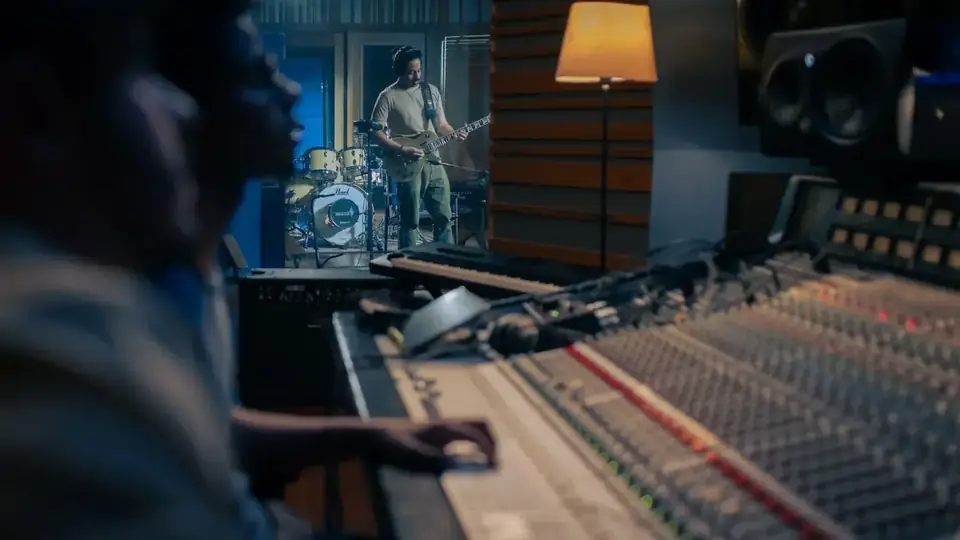
Both songs are measured in 8 bands, from sub bass to air. Each band of your master moves 75% of the way toward the reference song. In our sample test the gap fell from 2.4 dB to 1.0 dB per band.
No band moves more than 4 dB, and highs a mix barely has get 2 dB at most. If the EQ would make your mix muddier or harsher, it is undone, so the reference match stays safe.
The master aims for the reference track's loudness, inside the range your platform allows: on Spotify from -20 to -13 LUFS, on Loud from -15 to -8. The true-peak ceiling never moves.
Press AI Pro Master: you hear the full reference match with a soft watermark, no sign-in. Unlock download (1 credit) gives the clean WAV or MP3 320, and one Revise with AI round is included.
Your track and the reference song are decoded and measured in your browser. Only the numbers go to the AI plan, and the master is made from your song alone.
How it works
How to Master to a Reference Track in Three Steps
Mastering with a reference track takes a minute: add the song you want to sound like, then your track.
Add the reference song
Press Add reference and pick a released song in the same style, or try one of our sample references.
Add your track and a platform
Drop your final mix, read your mix against the reference, and pick where you will release it.
Master, compare, download
Press AI Pro Master, compare Original and Mastered, read the Reference match card, then unlock for 1 credit.

Pick a song you love. Your mix moves toward it.
- the master in our test, level with its reference at -14.0
- −14.0LUFS
- its true peak, under Spotify's -1 dBTP ceiling
- −2.3dBTP
- the most any one band moves, so your mix keeps its own sound
- 4dB
Measured
Reference Mastering, Measured on Our Sample Songs
Our Starlight Signal mix (dance pop) mastered toward our own master of The Sea Wall for Spotify. The tone gap to the reference track fell from 2.4 dB to 1.0 dB per band.
Tone gap to the reference, per bandthe master vs The Sea Wall
1.0dB
2.4 → 1.0 dB closer in tone. The 8.5k band hit the 4 dB cap, so some gap stays
- Loudness
- −14.0LUFS
- Reference
- −14.0LUFS
- True peak
- −2.3dBTP
- Move per band
- 75%of gap, ≤ 4 dB
Measured with our engine in November 2026: the reference plan AI Pro starts from, rendered and measured again.
How we measured
Before: -19.4 LUFS. Reference song: -14.0 LUFS. After: -14.0 LUFS with a true peak of -2.3 dBTP, under the -1 dBTP ceiling. The AI plan can fine tune the moves, so your preview may differ a little. A dark lo-fi mix against a bright pop master only went from 10.5 dB to 8.5 dB: each band moves at most 4 dB, and highs that are not there are not added.
Guide
Reference Track Mastering Guide
Reference mastering finishes your song with a released track as the target: its tone balance and its loudness. It moves your master toward the reference song; it does not copy the record, and your vocal, arrangement and reverb stay as you mixed them.
A good mastering reference track is:
- 1In your genre, with a similar arrangement and tempo.
- 2A released master in WAV, FLAC or a high bitrate file, not a demo.
- 3At a loudness your platform allows: Spotify stops at -13 LUFS, so a louder reference needs the Loud target.
- 4Checked first in the LUFS meter if you are not sure how loud it is.
Try two or three reference tracks on the same song. Each AI Pro preview is free; you pay only for the one you download.
The five AI Pro styles are presets: Balanced, Warm, Punchy, Bright and Wide. With a reference song the tone EQ comes from the reference instead, while the style still sets compression, saturation and stereo width.
A buried vocal or one loud synth is a mix problem: see mixing vs mastering. A dull mix will not gain highs it does not have, and a big gap closes only part of the way, up to 4 dB per band.
FAQ
Reference Mastering Questions
Prices, loudness, files and what the reference match does not do.
Reference mastering masters your song toward a released track you like. Here AI Pro measures both songs in 8 bands, moves your master 75% of the way toward the reference, up to 4 dB per band, and aims for its loudness.
Listening is: the AI Pro preview of the full song is free with a soft watermark and needs no sign-in. Downloading costs 1 credit, 50¢ a song in a 10-pack, or Unlimited at $7.99 a month. Master free does not use a reference. All purchases are final; compare plans on cheap mastering online.
Press Add reference at the top of the tool, add your track, pick a platform and press AI Pro Master. The Reference match card then shows the tone gap and loudness before and after.
No. Reference mastering matches tone balance and loudness, not the mix: vocals, instruments and space stay yours. Each band moves 75% of the gap, up to 4 dB, so the master gets closer without turning into a copy.
It aims for it, inside your platform's range. On Spotify that is -20 to -13 LUFS, so a -9 LUFS reference song lands at -13; pick Loud (-15 to -8 LUFS, -2 dBTP) to follow it. True peak always stays under the target's ceiling.
A released song in your genre with a similar arrangement, in good quality (WAV, FLAC or a high bitrate). A demo or a heavily compressed stream makes a weaker reference match.
Any file you have in one of the 8 formats, up to 200 MB. Only its measurements are used: nothing of the reference ends up in your master, which is made from your song alone.
No. Both songs are decoded and measured in your browser; only the numbers, such as band levels, loudness and true peak, go to the AI plan.
Yes: press Try another reference on the result, then Match with AI Pro. Every preview is free, but signed-out previews are limited per day.
Yes. AI reference mastering here means an AI plan built from both songs, a full preview, then one Revise with AI round from the measured result. The engine checks every master again after the plan.
Not in the album mastering tool. Master the songs one at a time here: the reference song stays loaded when you press Master another track.
Yes, on any file. For AI songs, Suno mastering adds a check of the problems that often come with them. For one master with no reference, our free AI mastering is enough.

Start now
Master Toward Your Reference Song
Add a reference track you like, drop your mix and hear the reference mastering preview free in your browser. Pay only for the master you keep.
Drop your audio here
or choose a file. It opens in the tool above and stays on your device.
More Tools Around Reference Mastering
Measure the reference track, master the song, check the result.
 AI MasteringMaster a finished mix for streaming, right in your browser.
 LUFS MeterMeasure integrated loudness and true peak in your browser.
 Audio AnalyzerA full report: loudness, peaks, tone, stereo and release readiness.
 Suno MasteringMaster AI songs for release: fuller, clearer, at streaming loudness.