A guide, with the tool built in
Mixing vs Mastering: What Each Step Does, and a Free Master in Your Browser
AI-Mastering.org turns your finished mix into a release-ready master in your browser, free: -14 LUFS with a -1 dBTP ceiling for Spotify. Mixing vs mastering in one line: mixing balances many tracks into one stereo file, mastering finishes that file. WAV or MP3 320, no sign-up, nothing uploaded.
- Free master in your browser
- -14 LUFS for Spotify
- WAV and MP3 320, no sign-up
- Mixing vs mastering checklist
- Add a track · 1/4
- Check
- Master
- Compare & download
Drop your mix to master it
Get a loudness check, a target for your platform and a master you can compare before you download.
- WAV
- MP3
- FLAC
- M4A
- AAC
- OGG
- OPUS
- AIFF
Up to 200 MB and 15 minutes
Your song stays in your browser. The audio is never uploaded.
Or try a sample
Sample mixes are AI-generated songs, turned down to leave room for mastering.
- what a mix works on
- Many tracks
- what a master works on
- 1file
- then master, then release
- Mix first
- Spotify loudness target
- −14LUFS
- true-peak ceiling
- −1dBTP
- master in your browser
- Free
What Changes: Mixing Versus Mastering
The difference between mixing and mastering is scope: a mix changes the parts, a master changes the whole. The mixing and mastering difference, move by move:
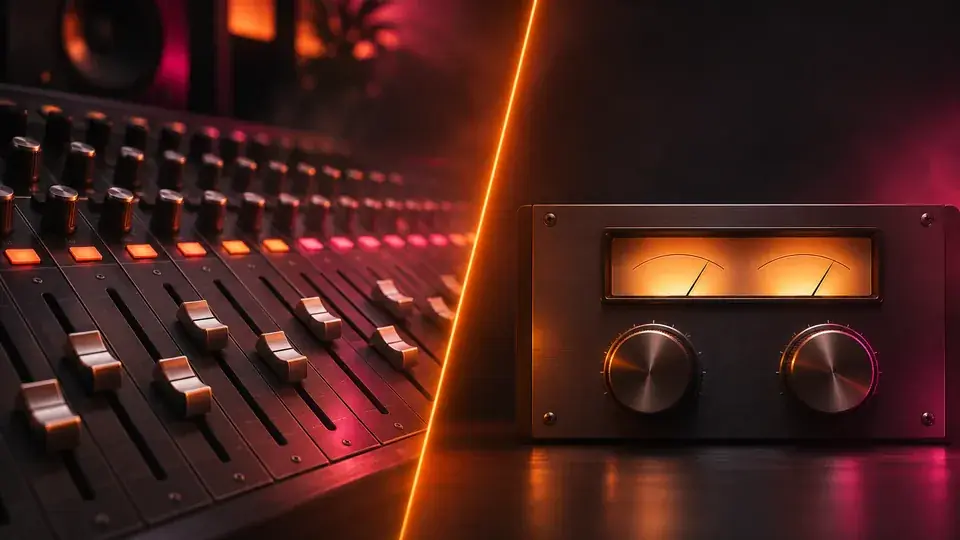
A mix starts from the separate recordings, or stems: vocals, drums, bass, keys. Levels, panning, EQ, compression, reverb and automation set each part against the others, and the result is one stereo file with a few dB of headroom.
Mastering works on that file as a whole: broad EQ, multiband and glue compression, stereo width with the bass in mono, then loudness for your platform under a true-peak ceiling. In our AI mastering tool that chain runs in your browser.
In a mix, EQ carves room: a cut in the guitar where the vocal lives. In a master it is broad and small: the tool compares your mix with a neutral reference in 8 bands and fixes only about half of any measured excess.
Mix compression steadies single parts, and panning places them. A master compresses four bands on their own, adds light glue, and can only widen or narrow the whole image, with the bass kept centered.
Faders set each part against the others; the mix bus keeps headroom and no limiter. Mastering sets the whole song to a target in LUFS, such as -14 LUFS for Spotify, with true peaks under -1 dBTP.
A buried vocal, two instruments fighting or one harsh cymbal are mix problems. Overall mud, a dull top end, a quiet level or peaks near 0 dB are mastering problems; the analysis flags those, and says when clipping or phase is better fixed in the mix.
How it works
Mixing vs Mastering: Which Comes First?
Mix first, master second. Mastering a song that still needs mix changes only bakes the problems in.
Record and arrange
Capture the parts and settle the arrangement. Editing and tuning belong here too.
Mix the tracks
Balance levels, panning, EQ, compression and effects until the song works on headphones and speakers, then export one stereo WAV with headroom.
Master the stereo file
Press Choose your track, answer Where will you release it?, press Master free, compare with Match loudness on, then press Download WAV.

Mix every track first. Then master the one file.
- Starlight Signal as a mix, before mastering
- −19.4LUFS
- its true peak as a master, up from -8.8 in the mix
- −2.6dBTP
- where the master compares your tone with a neutral reference
- 8bands
Measured
The Difference Between Mixing and Mastering, Measured
One sample mix before and after Master free with the Balanced style for Spotify. The balance stays as mixed; the level, the peaks and the tone change.
Integrated loudnessStarlight Signal, the master
−14.0LUFS
On target right at Spotify's −14 LUFS reference, with the balance as mixed
- True peak
- −2.6dBTP
- Max short-term
- −12.9LUFS
- Loudness range
- 1.9LU
- Balance
- As mixed
01 Mixing / many tracks
As mixedBalances the parts
02 Mastering / one stereo file
Master free, Balanced, SpotifyFinishes the whole
Starlight Signal, a sample AI-generated song turned down to leave room for mastering: -19.4 LUFS and -8.8 dBTP as a mix, -14.0 LUFS and -2.6 dBTP as a master, measured from the MP3 files.
How we measured
Load it from Or try a sample in the tool above to hear mixing vs mastering on one song.
Guide
Mixing vs Mastering: Which One Does Your Song Need?
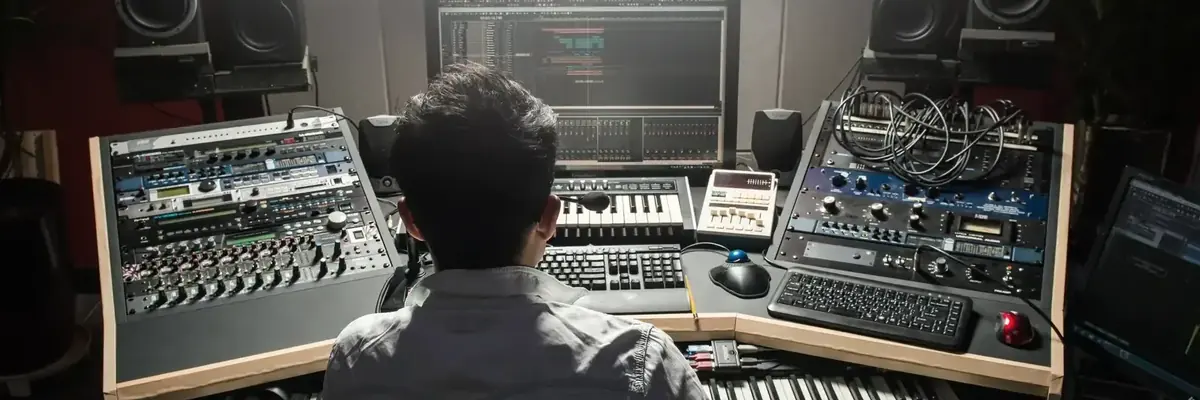
Go back to the mix when the problem lives in one part of the song. Mastering moves the whole file at once, so it can not fix these:
- 1The vocal is too quiet or too loud against the beat.
- 2Two instruments blur together in the same range.
- 3One cymbal, synth or "s" sound is harsh while the rest is fine.
- 4The kick and the bass fight, or a part disappears in mono.
The balance works on headphones, laptop speakers and a phone, but next to released songs yours sounds quieter, duller or less even. That gap is the mastering half of mixing vs mastering.
Not sure? Drop the mix into the tool above. The analysis lists issues such as Muddy low mids or Phase problems, and its notes say when a fix belongs in the mix.
Run through this before you export the mix:
- 1Leave headroom: the loudest peak a few dB under 0 dBFS, no limiter on the mix bus.
- 2Export a WAV at the session sample rate, 24-bit if you can.
- 3Listen once in mono to catch phase problems.
- 4Check level and peaks with the LUFS meter, or get a full report from the audio analyzer.
A mix engineer balances the tracks; a mastering engineer hears the result with fresh ears and delivers the release files. Plenty of independent releases are mixed and mastered by one person: take a break between the two steps and judge at the same loudness, which Match loudness does for you. A tool like AI-Mastering.org masters on your device in moments; a skilled engineer still brings judgment no tool has.
Separate parts need a mix before a master; AI mixing and mastering covers that case. Stem mastering sits in between: the engineer gets a few submixes, so small balance changes are still possible. A finished AI song is already mixed and can go straight to Suno mastering.
FAQ
Mixing vs Mastering FAQ
Short answers to the questions people ask most.
Mixing balances the separate tracks of a song into one stereo file. Mastering finishes that file for release: tone, loudness, peaks and formats. A mix changes the parts; a master changes the whole.
The mix. A master can not save a bad balance, while a good mix with a simple master still sounds good. Mastering is the final polish that lets a song sit next to other releases.
Mix first, then master: that order is the core of mixing vs mastering. Any change to the balance means mixing again and mastering the new file.
Only partly. It can tame overall mud and harshness and set the level, but it can not rebalance a vocal or separate instruments. Fix those in the mix first.
Yes, if it is already one finished stereo file, such as a beat bounced from your DAW or a song exported from an AI music tool. That file is the mix.
No. Mastering also evens out the tone, holds peaks so the file stays clean after encoding, and keeps songs consistent. A mix that is already loud can even be turned down for a Spotify master.
Spotify normalizes music to -14 LUFS and recommends true peaks under -1 dBTP. Numbers for other platforms are in Spotify LUFS.
Usually not. Export with peaks a few dB under full scale and no limiter on the mix bus, so the master has room to work. Clipped peaks can not be undone in mastering.
It helps. Spotify, Apple Music and YouTube play music at different levels, so AI-Mastering.org masters to the target you pick and names each file after it.
AI can plan a master from measurements, which is what AI Pro Master does here. Mixing separate tracks is a different job; see AI mixing and mastering.
An AI song arrives as one mixed file, so the mixing happened when it was generated. What is left is mastering, and Suno mastering walks through it.
Yes. Master free is unlimited, needs no sign-up and downloads WAV (24-bit or 16-bit) or MP3 320. AI Pro Master adds five styles, intensity, reference matching and an AI plan for 1 credit per song.
Not here: the tool runs in your browser, with nothing to install. To compare desktop options, see audio mastering software.

Start now
Hear the Difference Between Mixing and Mastering
Drop your finished mix into the tool, pick where it will play and switch between Original and Mastered at matched loudness. That is mixing vs mastering on your own song, free and in your browser.
Drop your audio here
or choose a file. It opens in the tool above and stays on your device.
Beyond Mixing vs Mastering
Tools and guides for the next step.